The 5 Best Hospitality Rota Apps for Smarter Staff Scheduling in 2027
Staff scheduling in the hospitality sector is notorious for draining hours of managerial time every single week. Between sudden shift-swaps, managing complex payroll compliance, and matching labor budgets against volatile weekly sales, managing rotas on spreadsheets is a losing battle.
As of 2026, modern rota apps solve this pain point by utilizing auto-scheduling algorithms, real-time POS sales data integration, and instant employee notification systems to build optimal rotas in minutes.
Our comprehensive, live-market research has identified the top five hospitality rota apps for 2026. The selection criteria focused heavily on real-time mobile usability, payroll integration capability, pricing predictability, and specific feature sets tailored for shift-based food and beverage or lodging businesses.
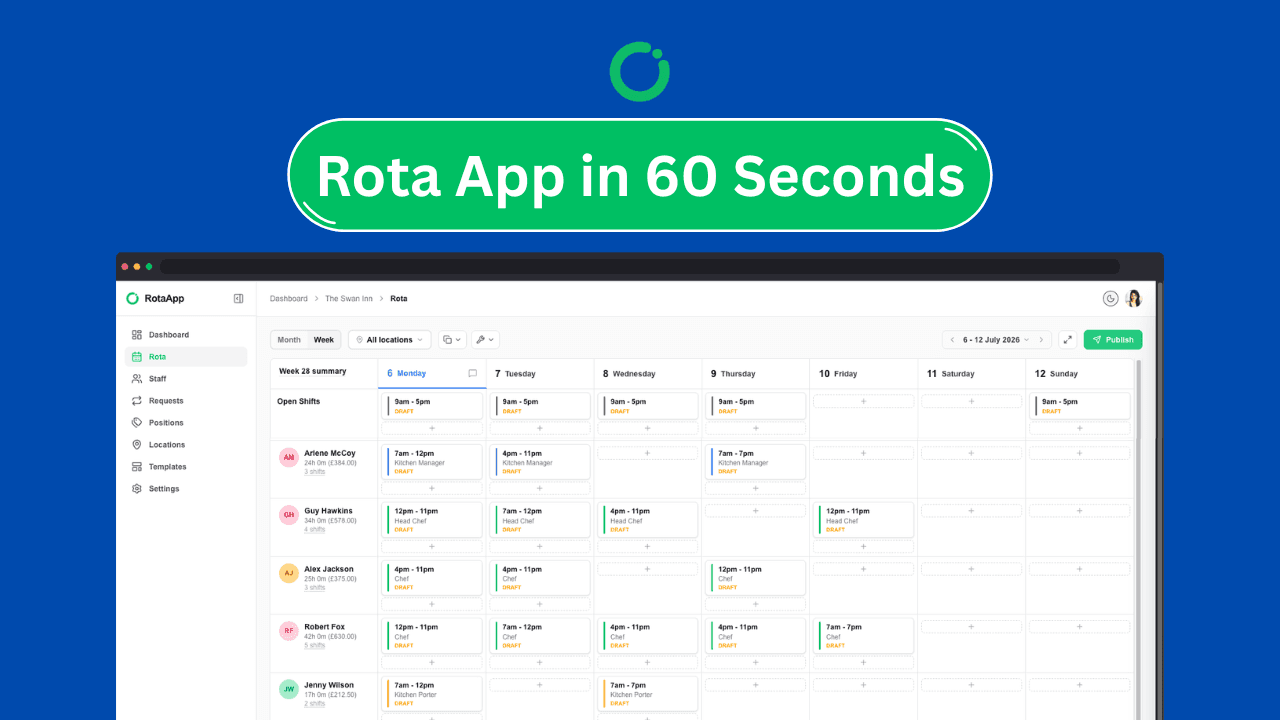
The following in-depth, direct analysis is designed to help you identify the perfect scheduling partner for your hospitality business, whether you operate a single local coffee shop or a multi-site national restaurant chain.
Modern cloud-based rota planning screens allow managers to visualise shift coverage, track wage costs in real time, and deploy AI auto-scheduling.. Source: Fourth
1. 7shifts Best Overall for Restaurants and Food Service
7shifts is the premier, restaurant-specific workforce management platform designed exclusively to handle the unique, fast-paced scheduling dynamics of the food service industry. By pulling real-time POS data from popular systems like Toast, Clover, or Lightspeed, 7shifts uses AI-driven labor forecasting to predict customer traffic and automatically recommend the exact number of kitchen and front-of-house staff needed for each shift.
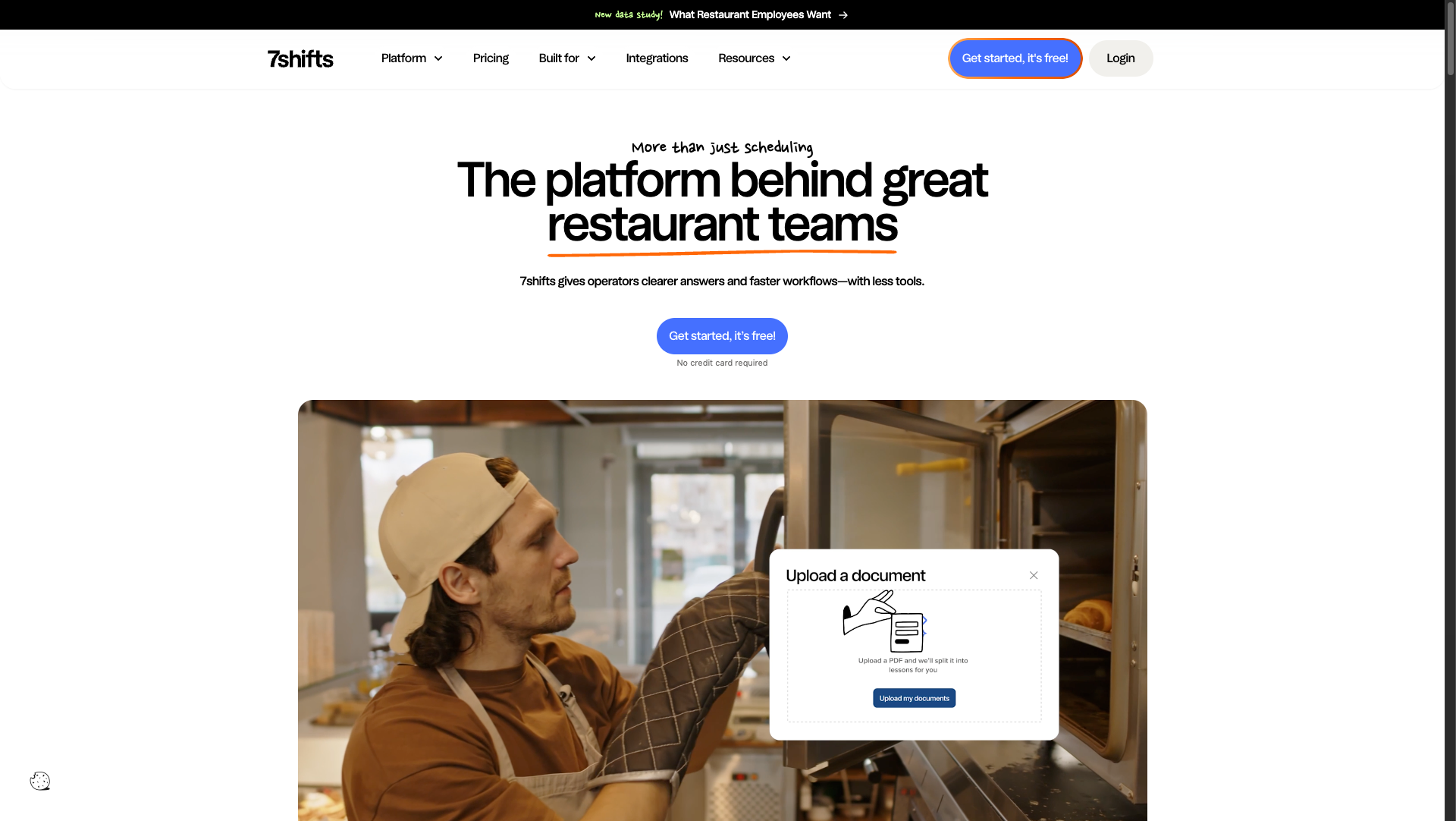
The platform excels at centralizing communication and operational logistics. Beyond basic shift scheduling, 7shifts incorporates features like automated tip pooling, digital manager logbooks, in-app group chats, and task management lists that keep your staff accountable from clock-in to clock-out.
Its specialized design eliminates the administrative chaos that occurs when trying to adapt general-purpose scheduling tools to restaurant workflows.
7shifts Pricing Structure
According to official G2 and platform data verified in mid-2026, 7shifts offers a flexible tiered pricing model built specifically to scale with restaurant growth:
Comp Plan (Free): Supports 1 location and up to 15 employees with basic scheduling, availability requests, and one-way announcements.
Essentials Plan ($39.99/month): Adds two-way team messaging, time-clocking tools, and payroll integrations for growing single-location teams.
Pro Plan ($89.99/month): Unlocks advanced labor budget tools, auto-scheduling templates, and customizable manager permissions.
Premium Plan ($149.99/month): Includes the complete suite of tip management, task lists, advanced machine-learning labor forecasting, and comprehensive operational insights.
Strategic Comparison
When compared directly to general workforce tools, 7shifts provides a massive advantage for restaurants through its automated tip-redistribution engine.
While a multi-purpose tool like Connecteam or Deputy requires managers to manually calculate tip shares or use third-party spreadsheets, 7shifts can automate tip pooling and push those exact numbers straight to your payroll processor. This alone saves managers up to four hours of manual data entry per pay cycle.
Best for: Single or multi-unit restaurants, cafes, bars, and food-service operators looking for tight POS-integrated labor forecasting.
Skip if: You manage a hotel, security agency, or health care facility where restaurant-specific features like tip pooling and POS integrations are irrelevant.
Quick take: 7shifts is the ultimate tool for restaurateurs who want to stop guessing their labor margins. By feeding live sales data directly into your rota planner, it aligns your staffing costs with actual guest demand, ensuring you never run over budget during quiet shifts.
2. Deputy — Best for Advanced Labor Compliance and Multi-Location Teams
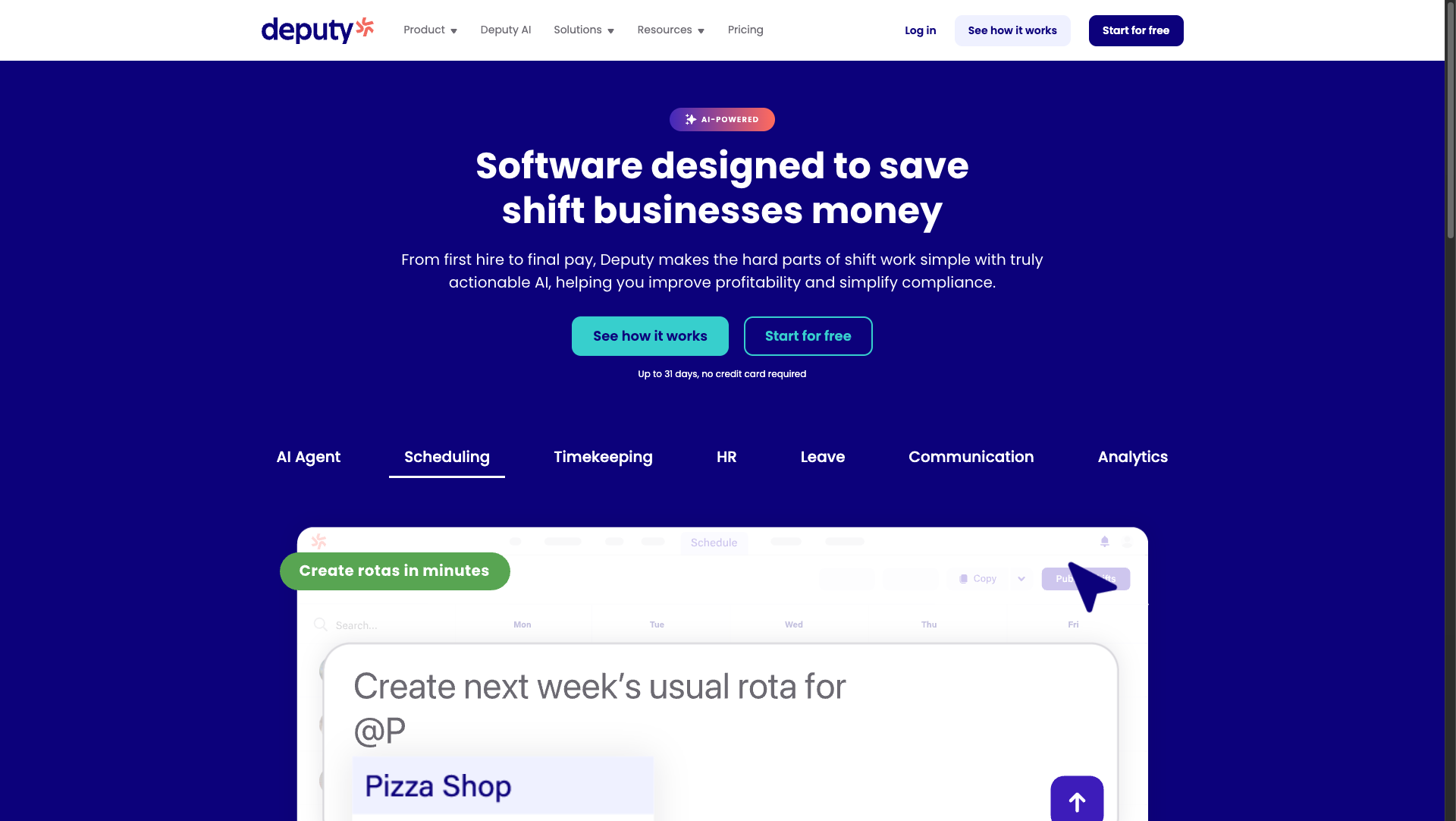
Deputy is a globally recognized, enterprise-grade scheduling powerhouse built to manage complex, shift-based workforces across multiple hospitality venues. It is particularly famous for its bulletproof labor compliance features, including auto-calculated break laws, overtime tracking, and fair work week legislation alerts that protect businesses from expensive legal penalties.
The platform features an exceptionally polished, real-time "floor view" that allows venue managers to see exactly who is clocked in, who is on break, and who is running late across any department at any given moment.
With massive enterprise reliability, Deputy is used globally by massive hospitality groups like citizenM and Honest Burgers to coordinate thousands of moving parts daily.
Deputy Pricing Structure
According to TrustRadius data and current 2026 plan rates, Deputy charges on a predictable per-user basis, making it highly transparent for growing teams:
Lite Plan ($5.50/user/month): Provides basic mobile shift scheduling, time-tracking, basic reporting, and standard messaging.
Core Plan ($7.25/user/month): Adds advanced scheduling templates, automated shift swapping, and basic compliance rules.
Pro Plan ($10.00/user/month): Introduces advanced labor demand forecasting, customized payroll export configurations, and fully automated labor compliance checks.
Enterprise Plan (Custom Quote): Tailored for larger organizations with over 250 users, offering single sign-on, premium support SLAs, and custom organization configurations.
Strategic Comparison
In comparison to 7shifts, which focuses heavily on restaurant front-of-house dynamics, Deputy focuses on deep operational scale and cross-industry labor compliance.
For example, Deputy's facial-recognition tablet clock-in and geofenced mobile time-tracking prevent "buddy punching" (staff clocking in for their friends) at a much higher standard than most competitors.
Additionally, while 7shifts bills flat rates per location, Deputy’s per-user model can often be more cost-effective for smaller hospitality teams spread across two or three physical sites.
Best for: Multi-site hospitality groups, larger hotels, event venues, and businesses in states or countries with strict, actively enforced labor compliance laws.
Skip if: You are a tiny, single-location business with static rotas that does not want to manage fluctuating monthly per-user software licensing costs.
Quick take: Deputy is the perfect system for managers who wake up stressed about labor law violations and shift coverages. Its real-time, compliance-first approach keeps you legally protected while simplifying schedule distribution for massive, multi-site workforces.
3. Planday — Best for Large-Scale Hotels and Mid-Market Enterprises
Planday, backed by the tech and financial power of H&R Block, is a massive workforce management solution designed to bridge the gap between simple scheduling and full-scale Human Resources management. This tool is highly praised across Europe and the UK by major chains like Costa Coffee and Domino's Pizza. It is structured specifically to handle complex contracts, variable payroll conditions, and diverse team departments within a single cloud-based dashboard.
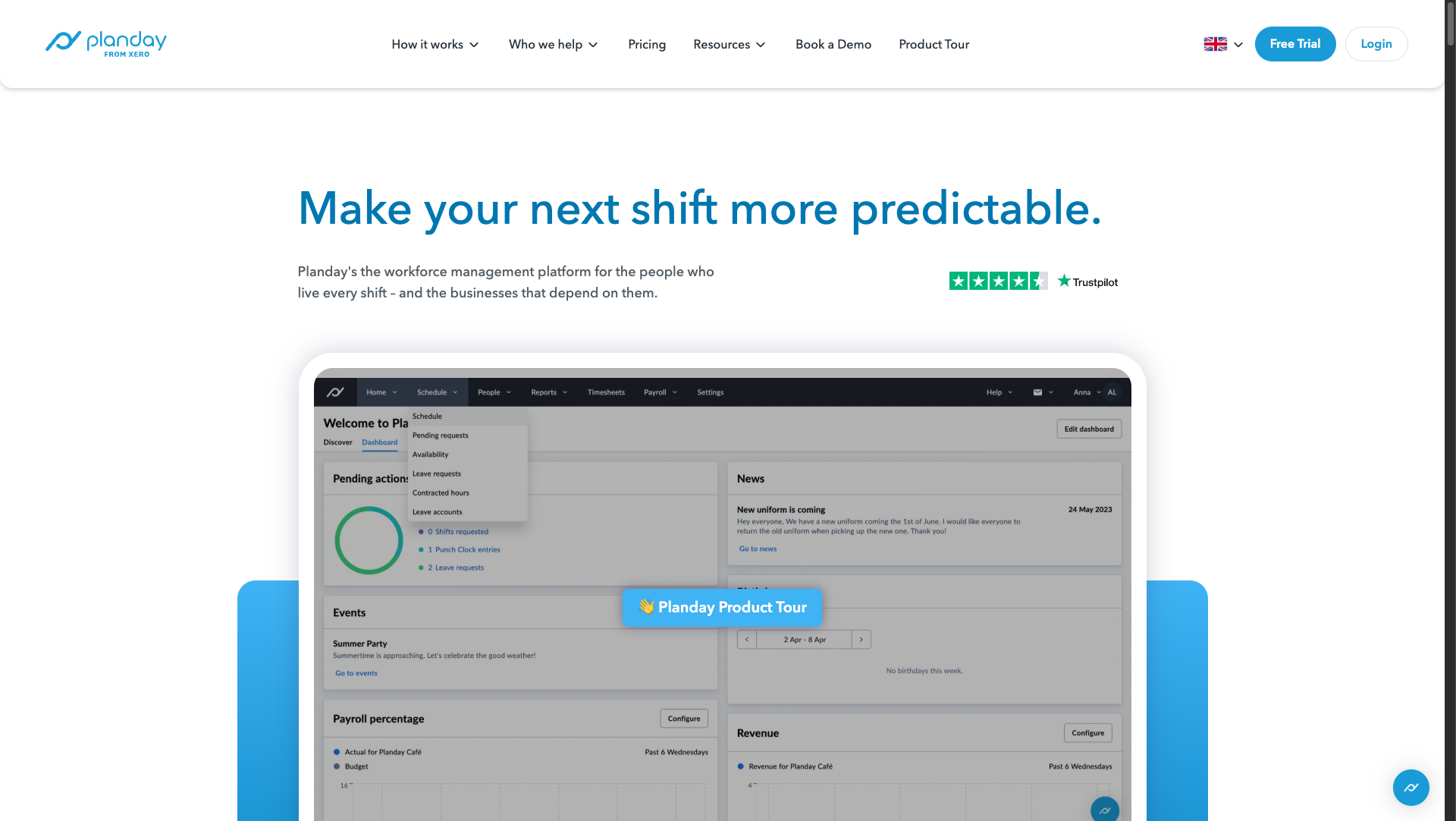
Planday is uniquely built to manage multi-tiered staffing structures, where workers might have different pay rates depending on their role (e.g., a staff member who acts as a bartender on Friday but a floor manager on Sunday).
The platform’s secure framework is ISO 27001 and ISAE 3000 certified, making it a favorite for enterprise IT departments that prioritize secure employee data processing.
Planday Pricing Structure
According to current 2026 software directory data, Planday’s pricing model offers a low barrier to entry with professional upgrade pathways:
Starter Plan ($2.99/user/month): Covers standard rota creation, mobile app shift communication, and basic employee time-tracking.
Plus Plan ($4.49/user/month + $15/month base fee): Unlocks advanced award interpretation, automated payroll processing, and complex multi-contract leave tracking.
Pro Plan (Custom Pricing): Designed for multi-national enterprises, providing specialized custom integrations, API access, and enterprise-grade SLA agreements.
Strategic Comparison
Unlike RotaApp or Homebase, which are built primarily to run simple, localized shift calendars, Planday is built to feed directly into enterprise HR and accounting ecosystems.
Planday's direct integration with platforms like Personio, QuickBooks Online, and citrus HR allows large-scale operations to sync time sheets, employee files, and pay rates flawlessly without exporting CSV files.
However, users regularly note that Planday's mobile application is far heavier and can sometimes lag compared to the lightweight, blazing-fast interfaces of Deputy or RotaApp.
Best for: Boutique hotels, mid-sized restaurant chains, and hospitality operations that require complex, role-dependent pay structures and strict data security compliance.
Skip if: You are a small team that wants a simple, drag-and-drop calendar setup that can be learned in under ten minutes.
Quick take: Planday takes the pain out of managing split-role pay scales and multi-department rosters. It is a highly professional, compliant, and deeply integrated system that serves as a single source of truth for your finance, HR, and floor managers alike.
4. Rota App — Best for UK-Based Small-to-Medium Businesses
RotaApp is the UK's leading small-business rota software, loved by over 5,000 independent hospitality operations. Based out of York, RotaApp is famous for its clean, incredibly intuitive drag-and-drop rota interface and highly praised, lightning-fast customer support team.
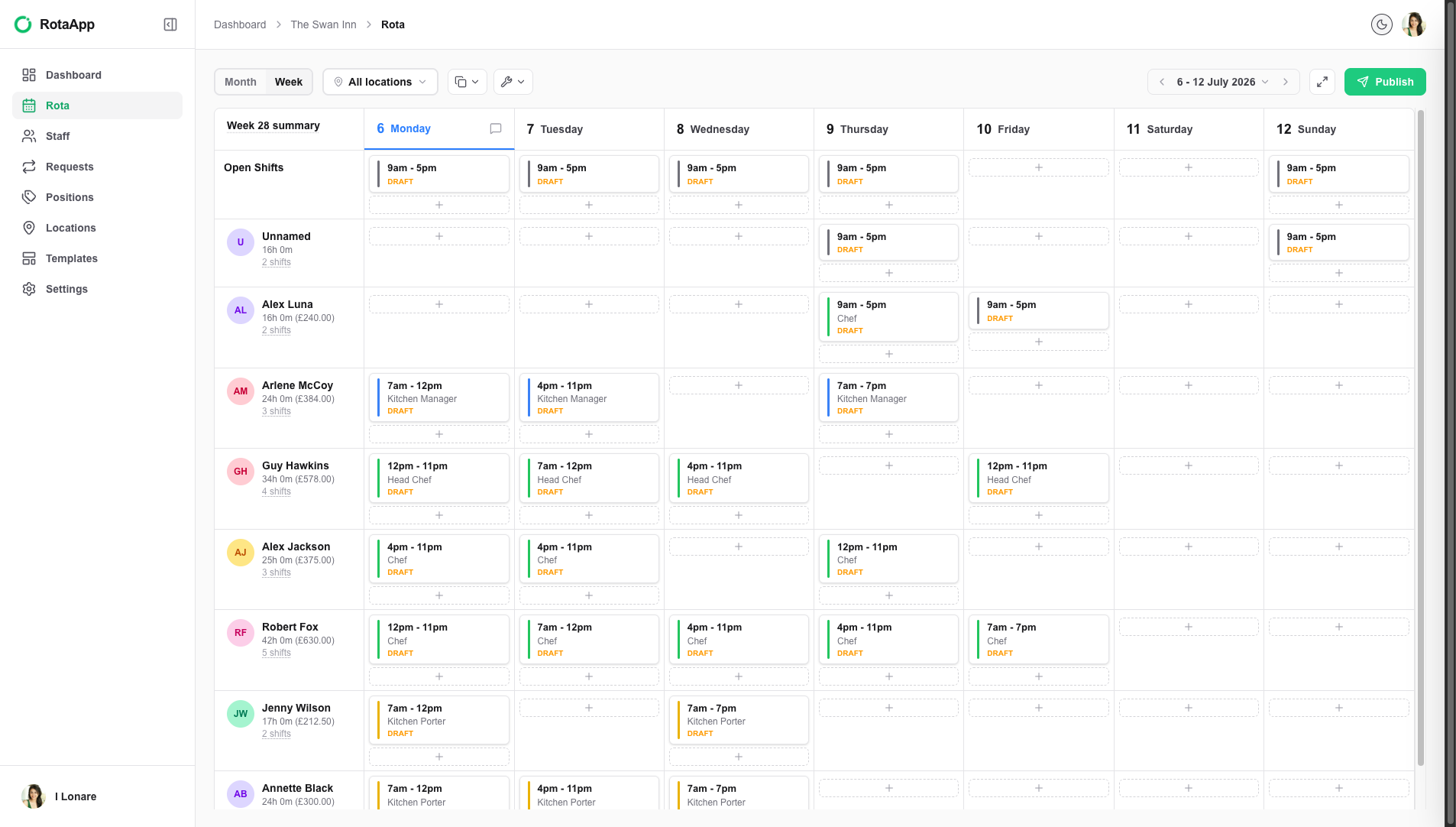
Instead of overwhelming managers with enterprise-level settings they don't need, RotaApp focuses on making shift-swapping, holiday bookings, and payroll exports as simple and visual as possible.
The app features flat, simple banded pricing, allowing small business owners to predict exactly what their software bills will look like every month without worrying about marginal fluctuations in staff headcounts.
RotaApp Pricing Structure
According to verified 2026 UK pricing indexes, RotaApp uses a banded pricing structure based on the size of your team, making it exceptionally fair for small operators:
Standard Plan (Starts at £10/month for 1-5 users): Includes unlimited drag-and-drop rota planning, in-app shift swapping, and complete holiday/absence management. For a mid-sized team of 21–30 employees, this costs roughly £60/month.
Pro Plan (Starts at £15/month for 1-5 users): Adds advanced labor cost controls, real-time budget forecasting, and custom manager logbooks.
Time & Attendance Add-on (From £4.50/month): Introduces GPS-verified clocking in and instant digital timesheet generation.
SMS Notifications Add-on (From £2.00/month): Allows managers to broadcast automated rota updates to team members via traditional text messages.
Strategic Comparison
While Deputy and Planday charge per individual user, RotaApp's banded tier system makes it a highly predictable and affordable option for businesses with high staff turnover or large pools of casual, part-time workers.
For example, if you run a pub with 25 rotating casual staff, paying per individual user on other platforms can become quite expensive.
RotaApp lets you scale up your staff roster without immediately pushing you into a higher pricing tier, while keeping your local operations supported by a friendly, UK-based help desk.
Best for: Independent UK pubs, cafes, micro-breweries, and boutique hotels that want a friendly, straightforward system with zero setup fees.
Skip if: You are based primarily in North America or need deeply specialized AI-driven predictive POS scheduling algorithms.
Quick take: RotaApp is the absolute gold standard for British hospitality businesses that value simplicity and support above all else. It replaces cluttered menus with a clean, visual calendar that your staff will actually enjoy using every day.
5. Homebase — Best for Single-Location Teams on a Tight Budget
Homebase is built on a highly disruptive premise: offering a genuinely free, fully functional rota planning and time-tracking tool for single-location businesses with under 20 employees. For small cafes, independent bakeries, and local coffee shops, Homebase provides a remarkably modern, polished interface that handles schedules, tracks breaks, and handles basic team messages for absolute zero cost.
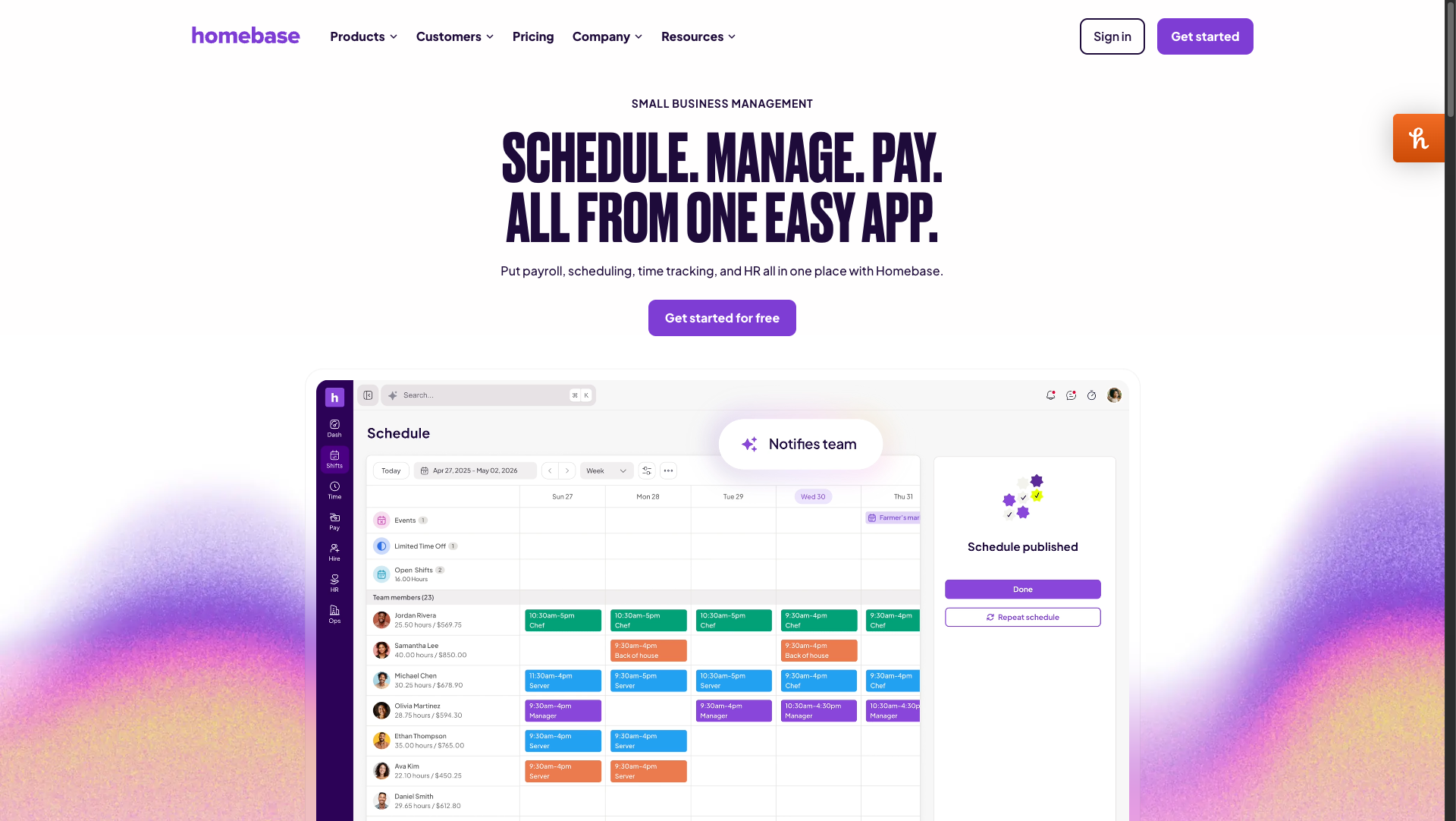
The user interface is exceptionally clean, featuring massive buttons, clear calendar divisions, and an incredibly simple, drag-and-drop interface.
However, the catch with Homebase lies in its growth model—while it is incredibly generous for small single-venue startups, its cost scales sharply once you expand to multiple locations.
Homebase Pricing Structure
According to App Store and Capterra updates tracked in 2026, Homebase offers the following pricing plans:
Basic Plan (Free): Covers 1 location and up to 20 employees with standard scheduling, mobile time clock tools, and basic in-app messaging.
Essentials Plan ($30.00/month per location): Adds advanced scheduling templates, team GPS geofencing, and shift-feedback metrics.
Plus Plan ($70.00/month per location): Introduces real-time labor-to-sales budgeting, time-off tracking, and hiring tools.
All-In-One Plan ($120.00/month per location): Unlocks professional HR onboarding, employee document storage, and employee performance tracking.
Strategic Comparison
Homebase's flat-rate-per-location pricing is a massive differentiator compared to Deputy’s per-user model.
For example, a single massive restaurant with 60 employees on Homebase Essentials would only pay $30 per month.
On Deputy’s Core plan, that same 60-person team would cost $435 per month.
However, once you add multiple locations, Homebase’s costs compound rapidly, making other platforms with multi-site dashboards far more attractive.
Best for: High-headcount, single-location coffee shops, diners, and independent retail bakeries that can leverage a flat-rate plan.
Skip if: You run a fast-growing, multi-location hospitality group or need deeply advanced automated labor compliance checks.
Quick take: If you manage a single venue, Homebase is an absolute no-brainer. It delivers top-tier, visual scheduling and automated time tracking without putting a single dent in your startup's monthly cash flow.
Comparison Summary
To help you make a fast, confident decision, here is the direct breakdown of which tool dominates each strategic use case:
Best overall restaurant rota app: 7shifts — Undefeated for food-service teams due to its deep POS integrations, AI sales forecasting, and built-in tip-pooling engine.
Best budget and small team option: Homebase — Offers a genuinely free, highly polished tier for single-location venues with under 20 staff.
Best for multi-site and franchise compliance: Deputy — Unrivaled when you need bulletproof labor compliance, facial-recognition time clocks, and a real-time global overview across multiple locations.
Best for UK-based independent operators: RotaApp — Combining highly visual, simple drag-and-drop rotas with predictable flat-banded pricing and premium, local customer support.
Best for mid-market hotel and HR ecosystems: Planday — The ideal choice for complex corporate structures, multi-rate payroll calculations, and ISO-certified HR platform integrations.
FAQ Section
Which is better for a small restaurant, 7shifts or Homebase?
If you operate a single, small restaurant with basic needs and under 20 employees, Homebase is the better budget choice because its core scheduling is completely free. However, if your restaurant is growing, needs tip pooling, or relies on live sales forecasting from your POS system, 7shifts is vastly superior because it is purpose-built for food service workflows.
Can these rota apps run without a constant internet connection?
The managers' portals and master rota schedules are cloud-based and require active internet to publish or edit shifts. However, the mobile employee apps for platforms like Deputy and RotaApp can often cache schedule data offline, though staff must be connected to cellular data or Wi-Fi to actively clock in or request shift swaps.
How do rota apps prevent employees from clocking in early?
Modern apps like Deputy and 7shifts utilize geofencing, which restricts mobile clock-ins unless the employee’s GPS coordinates match the physical venue address. Additionally, they feature "early clock-in prevention," which blocks employees from logging hours until their scheduled shift is within a 5-minute window.
Do these tools integrate directly with payroll providers like Xero and Sage?
Yes, most top-tier rota apps offer seamless integrations with dominant payroll suites. Planday and Deputy feature direct, API-level connections with Xero and QuickBooks Online, automatically pushing approved timesheets into pay runs with a single click. RotaApp offers robust CSV exports formatted specifically for Sage and other UK payroll platforms.
Closing Verdict
Choosing the right rota software comes down to the scale and complexity of your hospitality operation.
For the vast majority of restaurants, bars, and cafes, 7shifts is the undisputed winner. Its ability to connect with your POS, forecast guest volume, and automate complex tip-pooling sheets makes it a structural asset that directly protects your profit margins.
If you are operating a single venue on a strict budget, our runner-up is Homebase. Its incredibly generous free tier allows you to digitize your scheduling and time tracking without spending a single penny, making it the perfect stepping stone for new hospitality startups.